
Keycap Guide
What Are Pudding Keycaps? The Keycaps Every Gamer Need
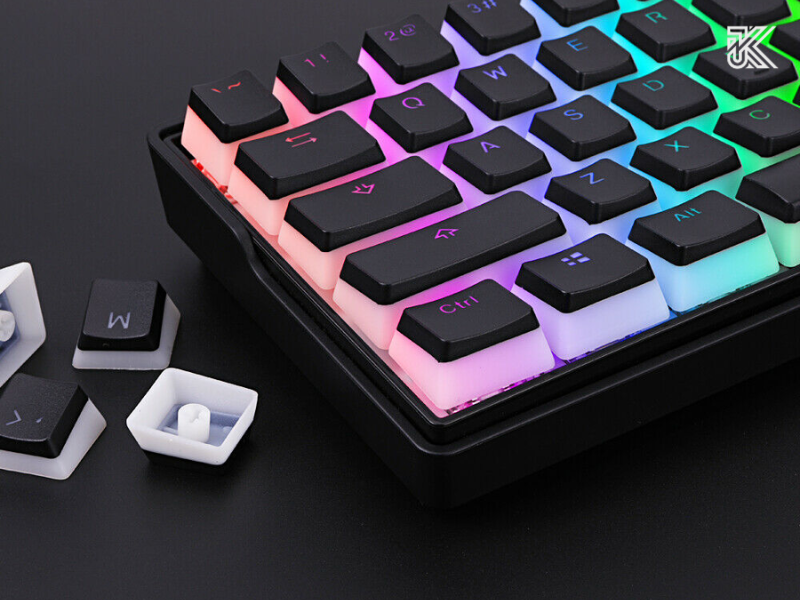
Mechanical keyboards are not just typing tools; they are a crucial part of any personal gaming or work setup, and RGB lighting is the “soul” that creates the difference. If you are looking for a simple yet effective way to significantly boost the brightness and aesthetics of your keyboard, then Pudding Keycaps are exactly what you need. This article will dive into the definition of what are pudding keycaps, their distinctive dual-layer keycap structure, a comparison of the pros and cons of popular materials, and a guide on how to choose and install them to achieve a stunning RGB glow effect.
What Are Pudding Keycaps? Defining Dual-Layer Keycaps
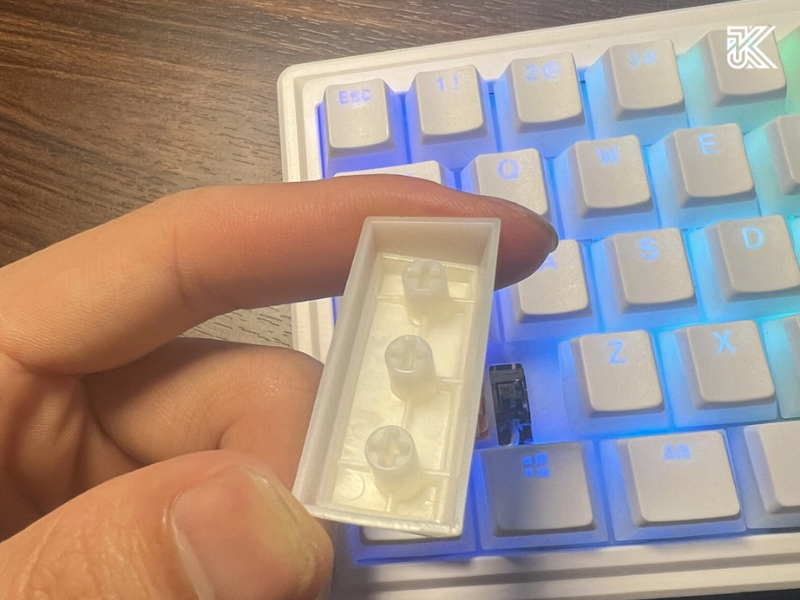
Pudding keycaps are a type of keycap specially designed with two layers of material (hence the name dual-layer keycaps). This unique design is created to maximize the visibility of RGB light coming from the keyboard switch, making the lighting effect brighter and more uniform compared to standard keycaps.
The basic structure of Pudding Keycaps:
- Top Layer: This is typically an opaque or solid-colored (white/black) layer that retains the legend (often etched using double-shot keycaps technology). This layer’s role is to create clear contrast for the characters and direct the light.
- Bottom Layer: This is the translucent sides portion that surrounds the keycap. This is where the RGB light can easily pass through and spread widely, creating the signature “inner glow” effect of pudding keycaps.
Key Advantages: How Pudding Keycaps Enhance the RGB Effect
The biggest difference when using pudding keycaps vs. normal keycaps lies in their ability to offer RGB lighting enhancement.
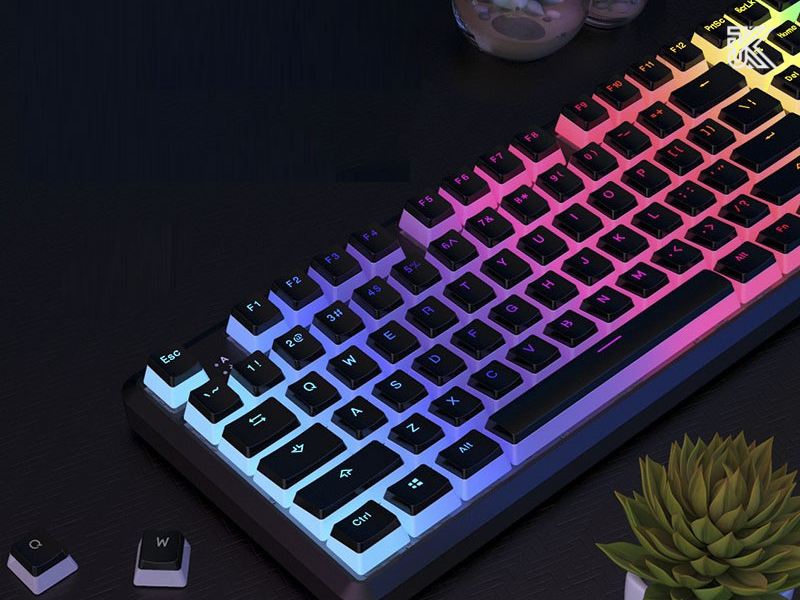
- Increased Brightness (Shine-through keycaps): Because they have a translucent border, the light from the PCB LEDs is not blocked, multiplying the overall brightness of the keyboard.
- Even Light Diffusion: Unlike standard keycaps where light only shines through the legend, pudding keycaps allow light to diffuse around the entire keycap, creating a soft, even-colored, and deeper RGB glow effect.
- Aesthetic Improvement: They provide a modern, dazzling look, which is highly popular in gaming setups or for keyboard customization.
PBT Keycaps vs. ABS Keycaps: Which is the Best Choice?
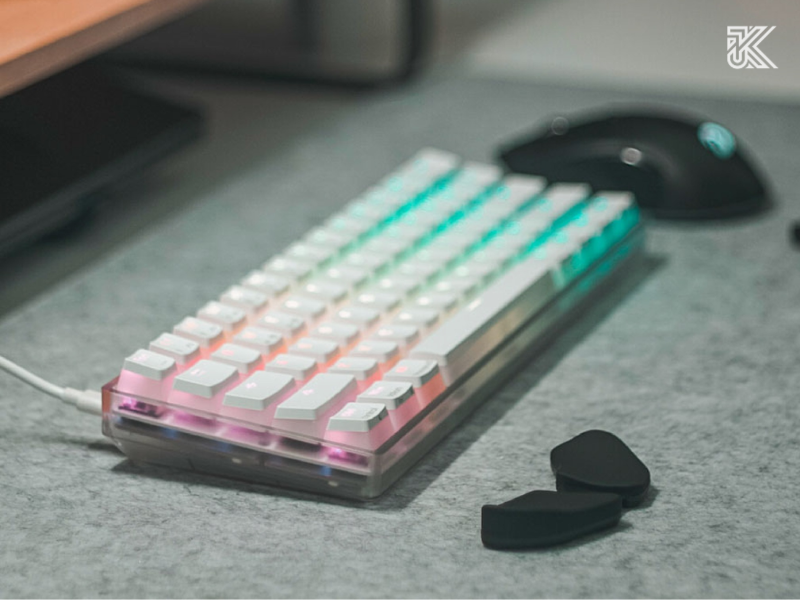
The two most common materials for manufacturing pudding keycaps are PBT (Polybutylene Terephthalate) and ABS (Acrylonitrile Butadiene Styrene). The choice of material directly affects durability, typing feel, and the resulting lighting effect.
| Criteria | PBT Keycaps (Often Premium) | ABS Keycaps (Often Cheaper) |
| Surface Durability | Extremely high, superior anti-shine capability. Has a gritty, textured surface. | Average durability. Easily wears down and becomes shiny after prolonged use. |
| Typing Feel | Slightly rougher, better grip, providing a solid, deeper typing feel. | Smoother, slicker. Typing feel is lighter and softer. |
| Lighting Effect | Softer, more natural. The light shine-through is more subtle and premium. | Very bright and vivid. Ideal for users seeking maximum RGB effect. |
| Sound Profile | Tends to produce a deeper, more bass-heavy (thocky) typing sound. | Tends to produce a higher-pitched, thinner (clacky) typing sound. |
Expert Advice (E-E-A-T): If you prioritize long-term durability, anti-shine properties, and a firm typing feel, PBT keycaps (such as HyperX pudding keycaps PBT) are the best investment, despite a potentially higher cost.
Installation Guide for Pudding Keycaps (Simple Keycap Replacement)
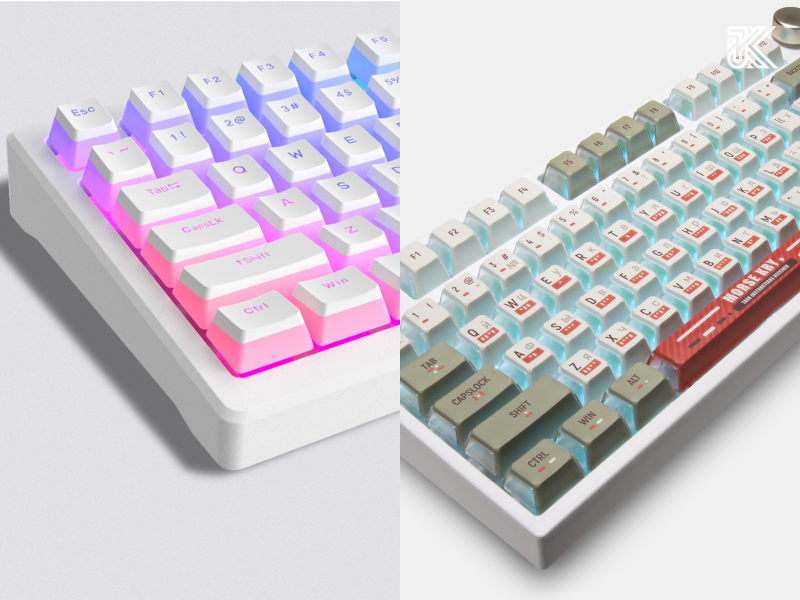
The process of replacing keycaps is extremely simple and does not require high technical expertise; you only need a keycap puller tool.
- Preparation: Turn off the keyboard power and prepare the keycap puller.
- Remove Old Keycaps: Carefully use the keycap puller to clamp the old keycap and pull straight up to avoid damaging the switch.
- Clean: Wipe clean the switch and stabilizer areas.
- Install New: Place the new pudding keycap onto the switch. Ensure the keycap is pressed straight down and fully seated.
- Test: Turn on the RGB light and check the RGB lighting visibility and typing feel of each key.
Frequently Asked Questions about Pudding Keycaps
Are pudding keycaps different from regular translucent keycaps?
Pudding keycaps are a type of translucent keycap, but the difference lies in their dual-layer design: an opaque top to preserve the legend, while the translucent sides allow the light to shine through. Regular translucent keycaps might be entirely see-through, which can blur the legend and result in uneven light.
Do Pudding Keycaps fit all mechanical keyboards?
Not entirely. They are compatible with most standard Cherry MX, Gateron, and Akko switches. However, you must check your keyboard’s layout (ANSI/ISO) and especially the bottom row of keyboards from brands like Razer, Corsair, or Logitech, as they often do not follow the standard size ($6.25u$ spacebar).
Do Pudding Keycaps affect the typing feel and sound profile?
They can be slightly different. Changing the material from ABS to PBT (or vice-versa) will certainly alter the typing feel and sound profile of your keyboard. PBT keycaps usually produce a deeper typing sound and have a better grip.
If you own a mechanical keyboard and want your RGB lighting to be more prominent, vivid, and deep, then Pudding Keycaps are a worthwhile and cost-effective upgrade. They not only improve your aesthetic setup but also provide a more enjoyable user experience.